Paper Receipts vs Digital Receipts: What Should You Keep?
Compare paper and digital receipts, and learn how to keep purchase proof searchable across devices without losing important records.
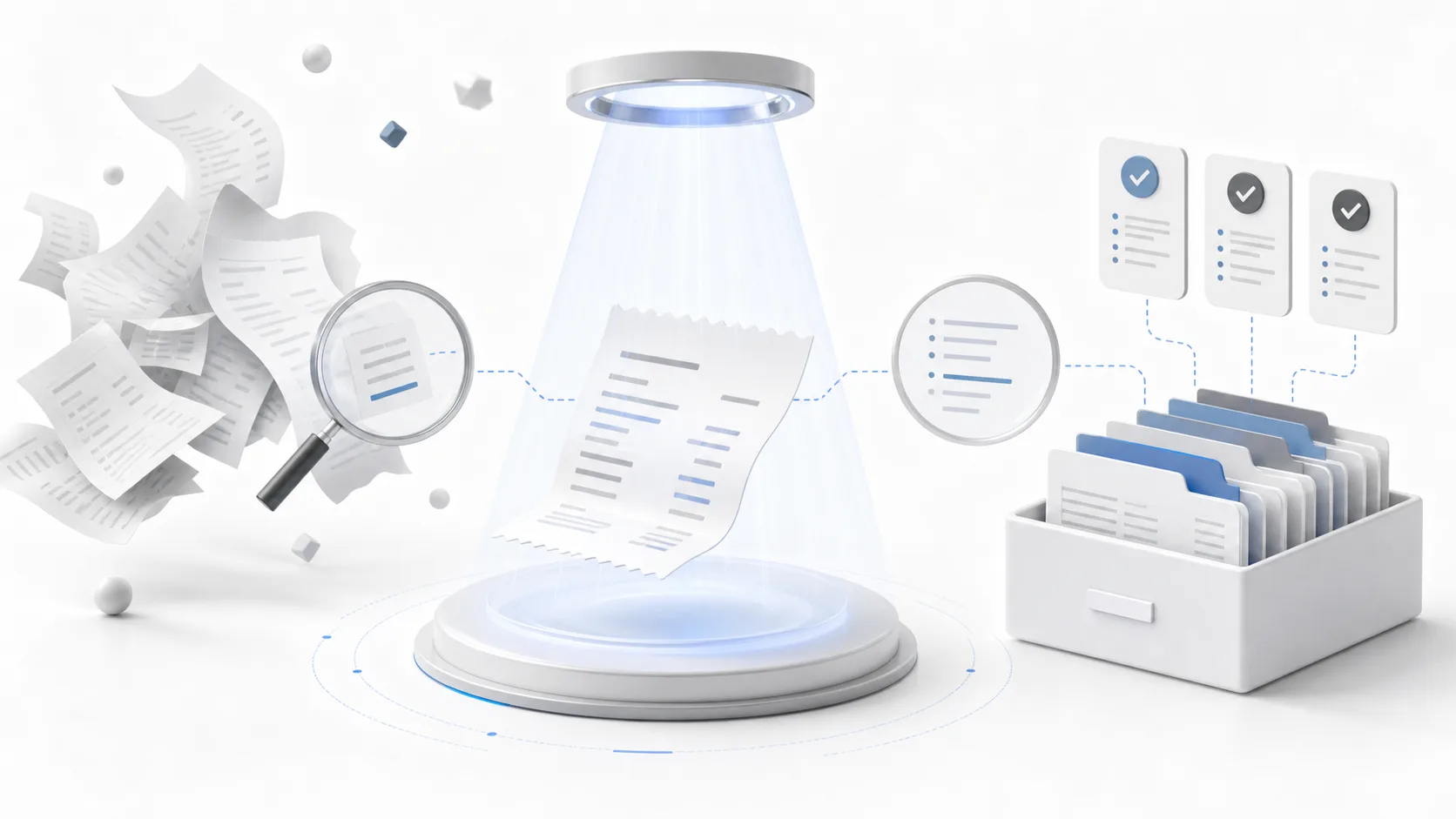
This guide is useful if
- Paper receipts fade or get lost, while digital receipts disappear into email and downloads.
- You are unsure which receipt format is worth keeping.
- You want one searchable archive instead of multiple storage habits.
Quick wins
- Scan paper receipts soon after purchase if the item may need proof later.
- Attach PDFs or email invoices when they are cleaner than photos.
- Keep the record format-neutral: the clearest proof wins.
- Use structured dates and categories so the archive remains searchable.
Common mistakes to avoid
- Keeping paper receipts in a drawer until they fade, tear, or become disconnected from the purchase context.
- Leaving digital receipts buried in email, downloads, screenshots, or cloud folders with no searchable structure.
- Assuming one receipt format is always better instead of keeping whichever proof is clearest and easiest to retrieve.
Practical next step
Use the clearest version of the receipt as the primary proof and keep the original format only when it adds confidence. For everyday purchases that means a clean digital receipt or scan; for major purchases, keep supporting files until the return and warranty risk is lower.
Both formats have problems
Paper receipts fade, tear, get lost, and pile up in drawers. Digital receipts are cleaner, but they can disappear into email, downloads, screenshots, or cloud folders. Neither format is reliable unless it is organized.
A receipt organizer should support both formats because real purchase proof comes from many places.
When paper receipts still matter
Some stores still issue paper receipts as the primary proof. For those purchases, scan or photograph the receipt soon after buying. If the item is important, add warranty dates, return windows, and serial numbers while the details are fresh.
When digital receipts are better
Digital receipts, invoices, and PDFs are often cleaner than photos. They are easier to read, easier to attach, and less likely to fade. StoreProof supports files and attachments so digital purchase proof can live beside scanned receipts and manual records.
The best system is format-neutral: keep the proof that is clearest and easiest to find.
- Use photos or scans for paper receipts
- Attach PDFs or email receipts when available
- Add structured dates and serial numbers
- Search records by category, item, or timing
The simple rule
Keep the version that would convince someone later. If a receipt is important for a return, warranty claim, repair, resale, or insurance question, save it in a structured purchase record instead of relying on memory.
Use StoreProof for purchase proof
StoreProof helps you keep receipts, warranty dates, return windows, serial numbers, notes, and attachments organized across iPhone, iPad, and Mac.
Download StoreProof